Seguno Email Marketing for Shopify Merchants
Seguno Email Marketing built for Shopify
←
Close Menu

put your loyalty data to work in every email with Seguno and Joy Loyalty

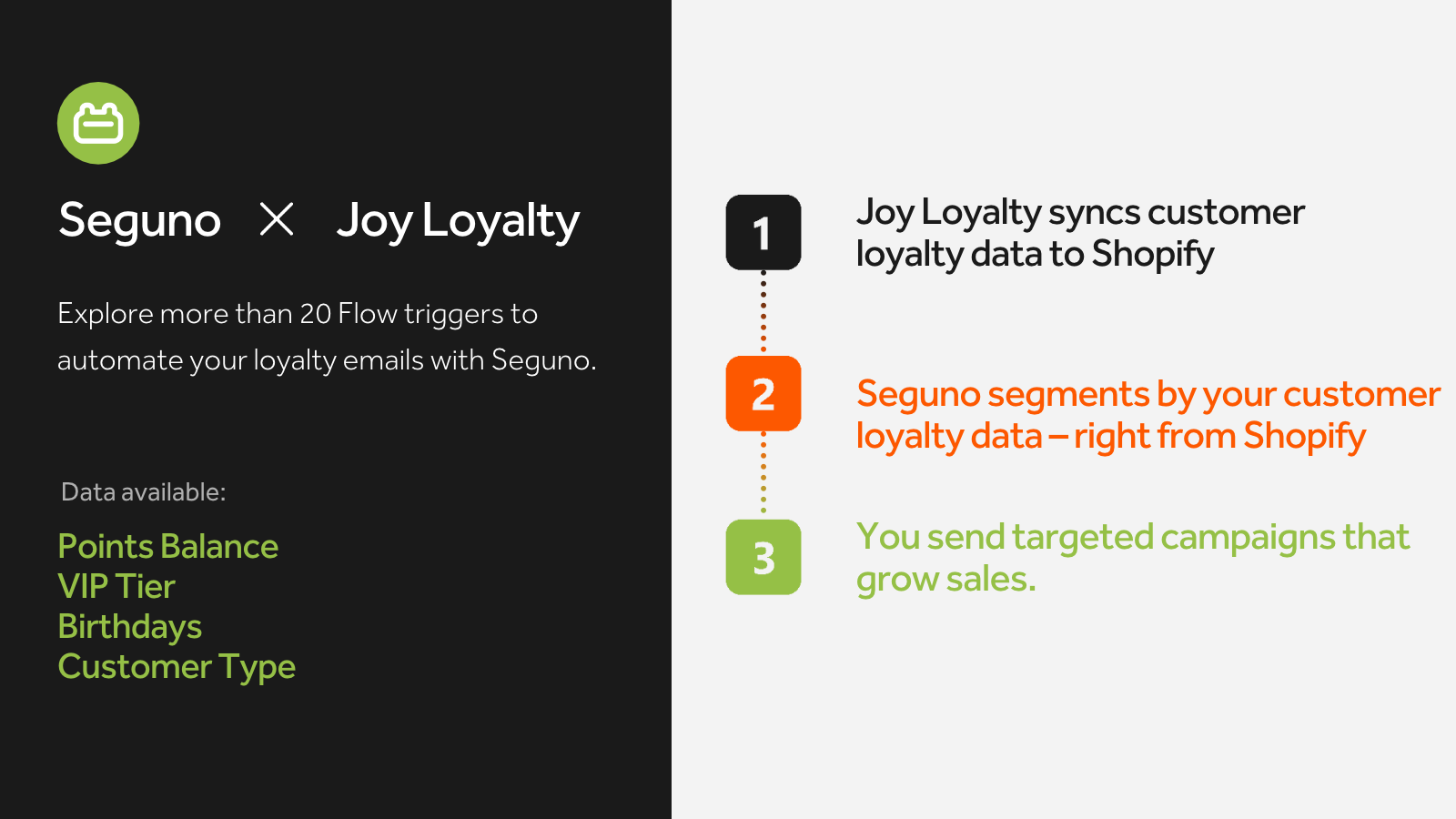
Joy Loyalty tracks your customers' points and tiers in Shopify metafields — Seguno uses that data to drive conversions.

No items found.

your customers' loyalty activity is already in Shopify — Seguno reads it natively

Joy saves each customer's point balance, VIP tier, customer type, and birthday directly to their Shopify profile. Seguno reads that data and lets you segment and personalize every campaign without extra connectors. Your loyalty program and your email marketing run on the same data, in the same place.

what you can do with it

  • deepen loyalty by celebrating VIP tier upgrades
    Congratulate members who move up a tier and show them the perks they’ve just unlocked. 
  • transform points into new orders
    Nudge members whose point balance covers a reward to redeem it. 
  • drive purchases with reward expiry reminders
    Use Joy’s expiry trigger in Shopify Flow to remind members 3, 7 or 30 days before their points run out. 
  • make a strong first impression with new members
    Welcome new loyalty customers with an email that explains how to earn points and move up tiers.

How to use the Shopify Flow templates 

  1. Install Joy Loyalty from the Shopify App Store.
  2. In Joy, turn on Show metafields on Shopify admin and Allow third-party app access.
  3. Download the Flow template using the download buttons on this page and find additional templates in the setup guide.
  4. Open the Flow app in your Shopify store.
  5. Click Import in the top right.
  6. Add the downloaded .flow file in the popup and upload it.
  7. Select the new Flow from the list.
  8. Click Edit in the top right.
  9. Customize the steps to choose your emails and other settings.

this is a bold test
this is a test

(h2) this is my 2nd heading level

(h3) The Canva app for Shopify makes it easy to add your product and collection images to the designs you create in Canva.

No need to download images from Shopify and upload them separately! Install the app to connect to your Canva account and instantly access your product photography and videos.

Drag and drop your product images into your email marketing, social media, website banners, presentations, posters, sales collateral, and more. You can even export or import your Canva designs to Shopify!

features & benefits

  • easily search your catalog to find the product, collection, or file you want
  • drag product titles, images, and videos directly into your Canva designs
  • export or import designs from Canva to a Product or Collection page in Shopify

how to

  1. this is a test

This is my heading